Tikmo vs TikFinity (2026): Practical Checklist to Choose Your TikTok LIVE Companion Tool
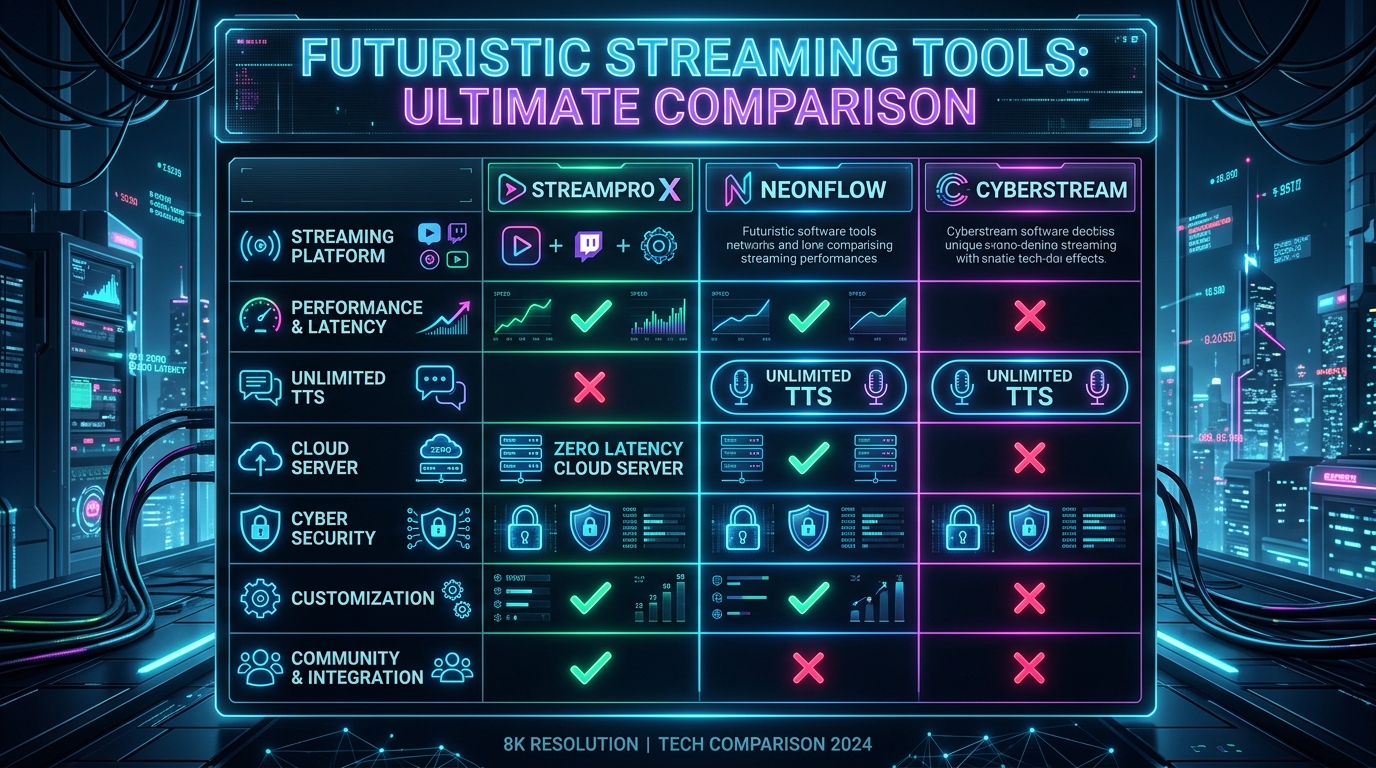
Compare AI voice TTS, 9:16 overlay editing, built-in interactive games (Chibi War, Gear Arena, Wizard Spin), and localized workflows.
Both Tikmo and TikFinity help TikTok LIVE creators automate sound alerts, read chat via Text-to-Speech, and display interactive widgets in OBS. Choosing the right platform comes down to your streaming format, language needs, and whether you want built-in interactive battle games inside the same studio.
5 Practical Criteria to Compare Before Your Next Stream
- Built-In Interactive Battle Games: Tikmo includes native, ready-to-launch arena games—Fantasy Chibi War, Gear Arena 9:16, and Wizard Spin—directly inside the web and desktop studio without installing separate game clients.
- Single-URL 9:16 Canvas vs Multiple Browser Sources: Tikmo lets you arrange alerts, goals, and leaderboards on one unified
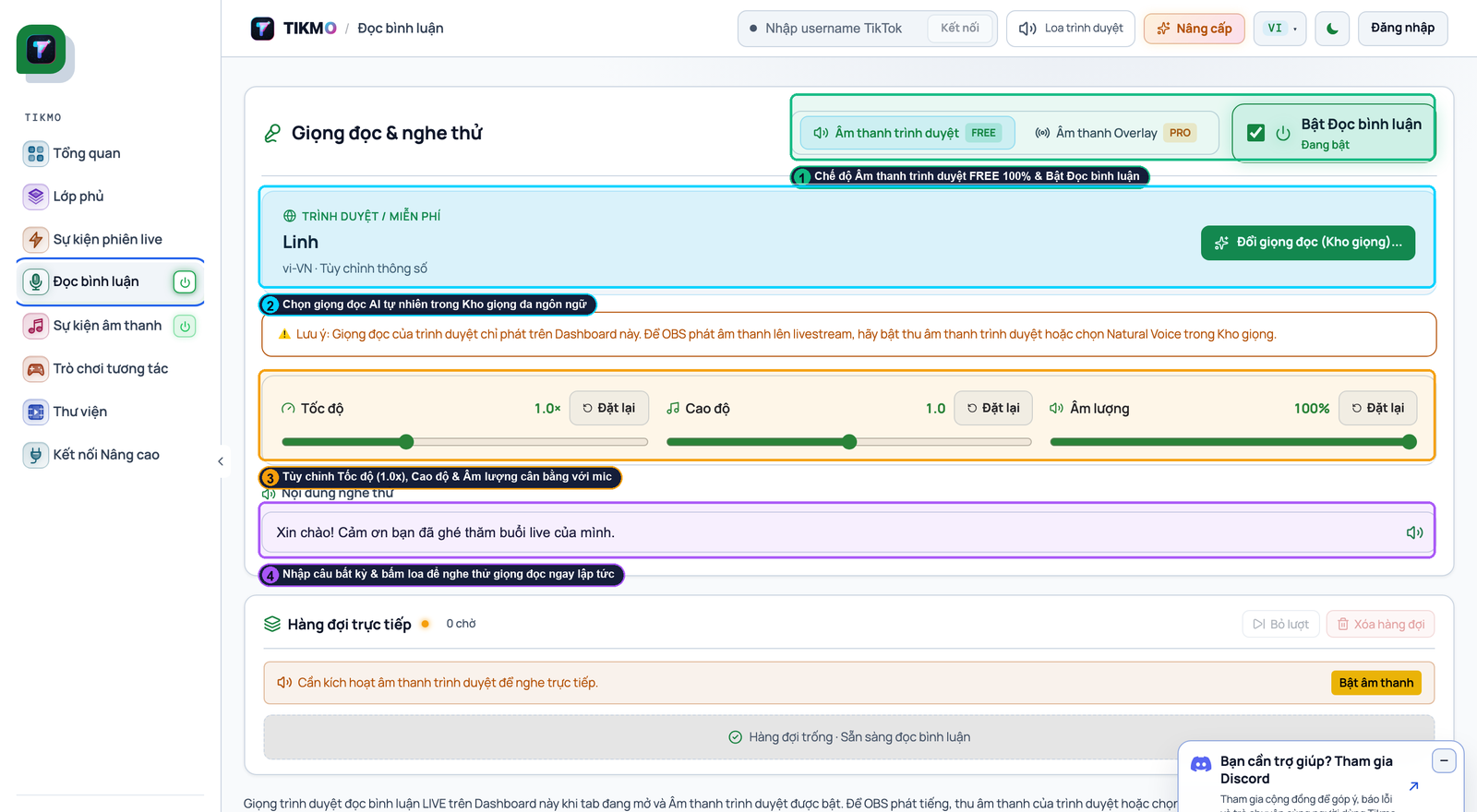
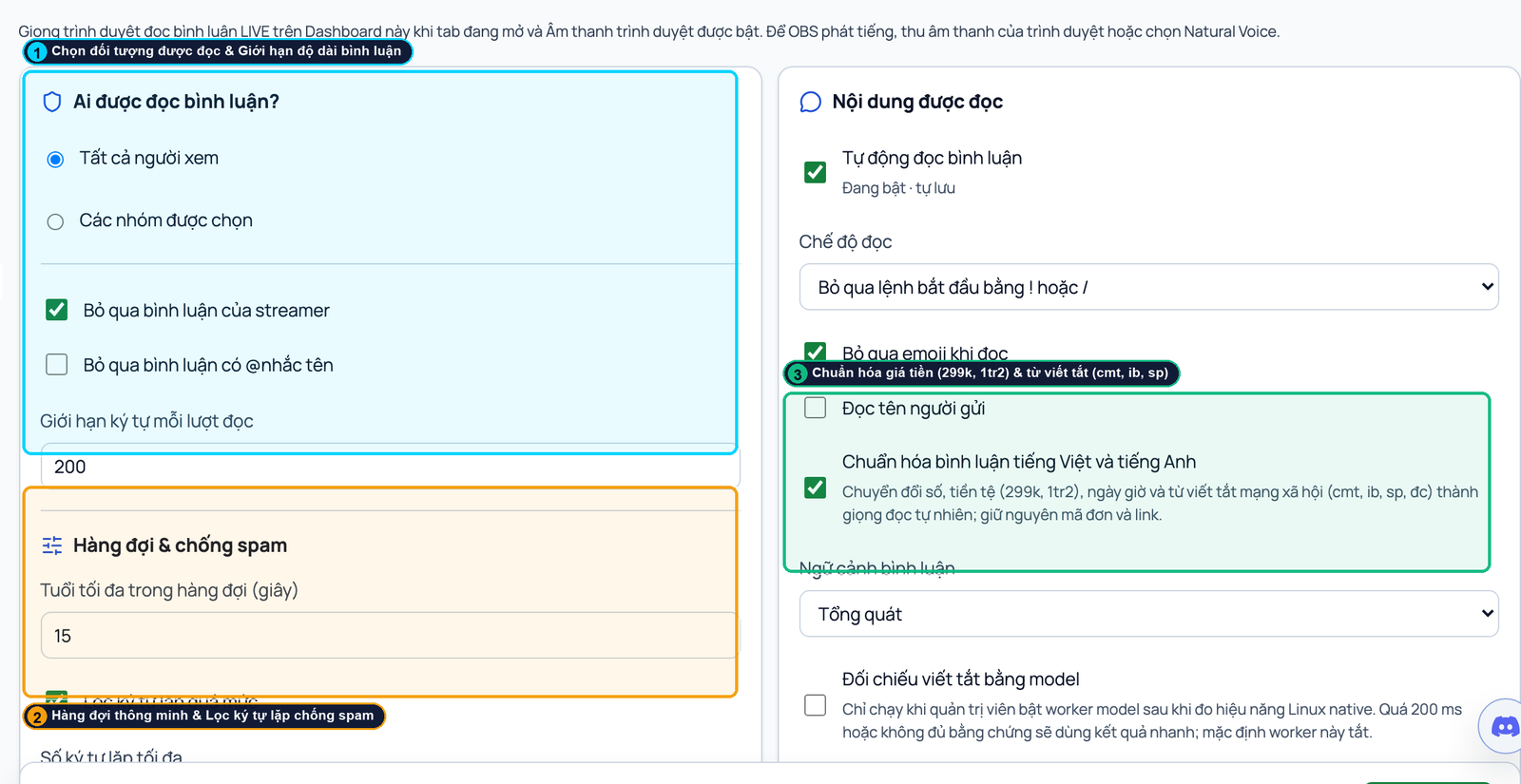
1080x1920canvas so OBS only renders a single Browser Source. - Natural Multi-Language AI TTS: Test how each tool pronounces names, slang, and diacritics in your audience's language using our TikTok LIVE TTS setup guide.
- Live Testing & Simulation: Verify whether you can simulate gifts, likes, and comments in practice mode before going live.
- Local Payment & Transparent Plan Limits: Review our full Tikmo vs TikFinity feature comparison page or test Tikmo Studio free on your own setup.