TikTok LIVE Interactive Games Hub: How to Combine Wizard Spin, Chibi War & Gear Arena
Run automated viewer giveaways, challenge wheels, and live arena battles from a single Tikmo Studio connection without switching tools.
Keeping a 2-to-3-hour TikTok LIVE session energetic is effortless when you rotate between quick giveaway wheels and full-scale viewer battle arenas. The Tikmo Interactive Games Hub brings Wizard Spin, Fantasy Chibi World, and Gear Arena together under a single live room connection.
Choosing the Right Interactive Game for Every Stream Moment
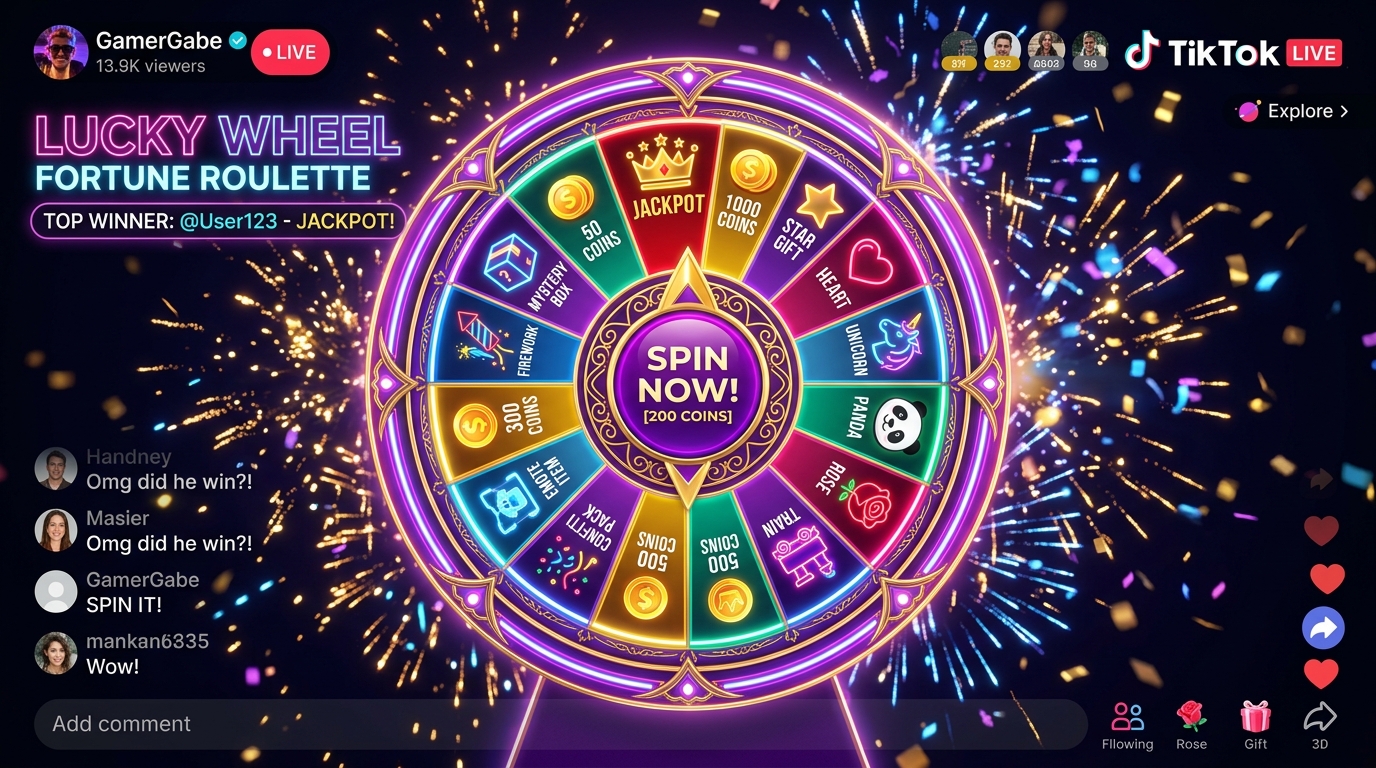
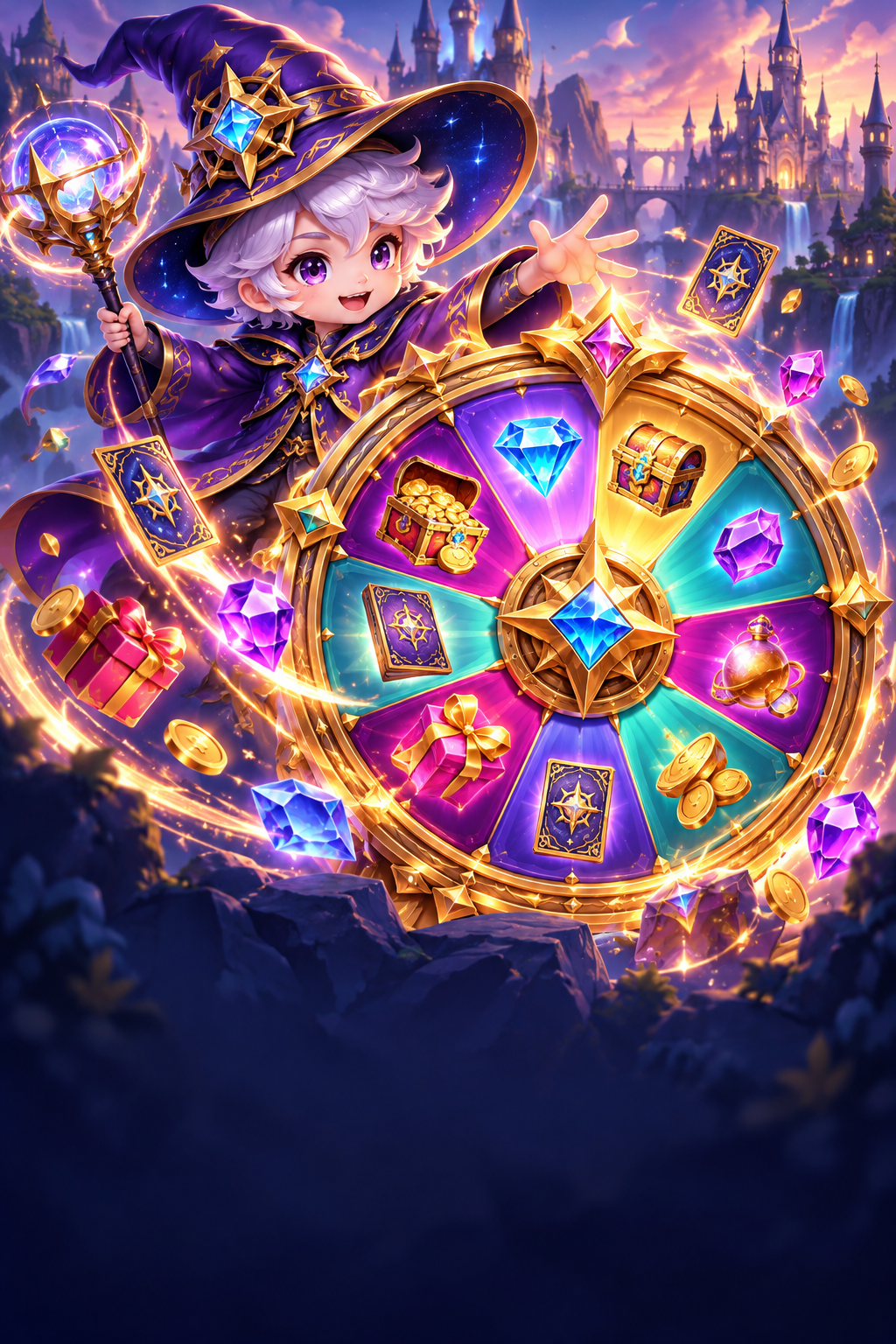
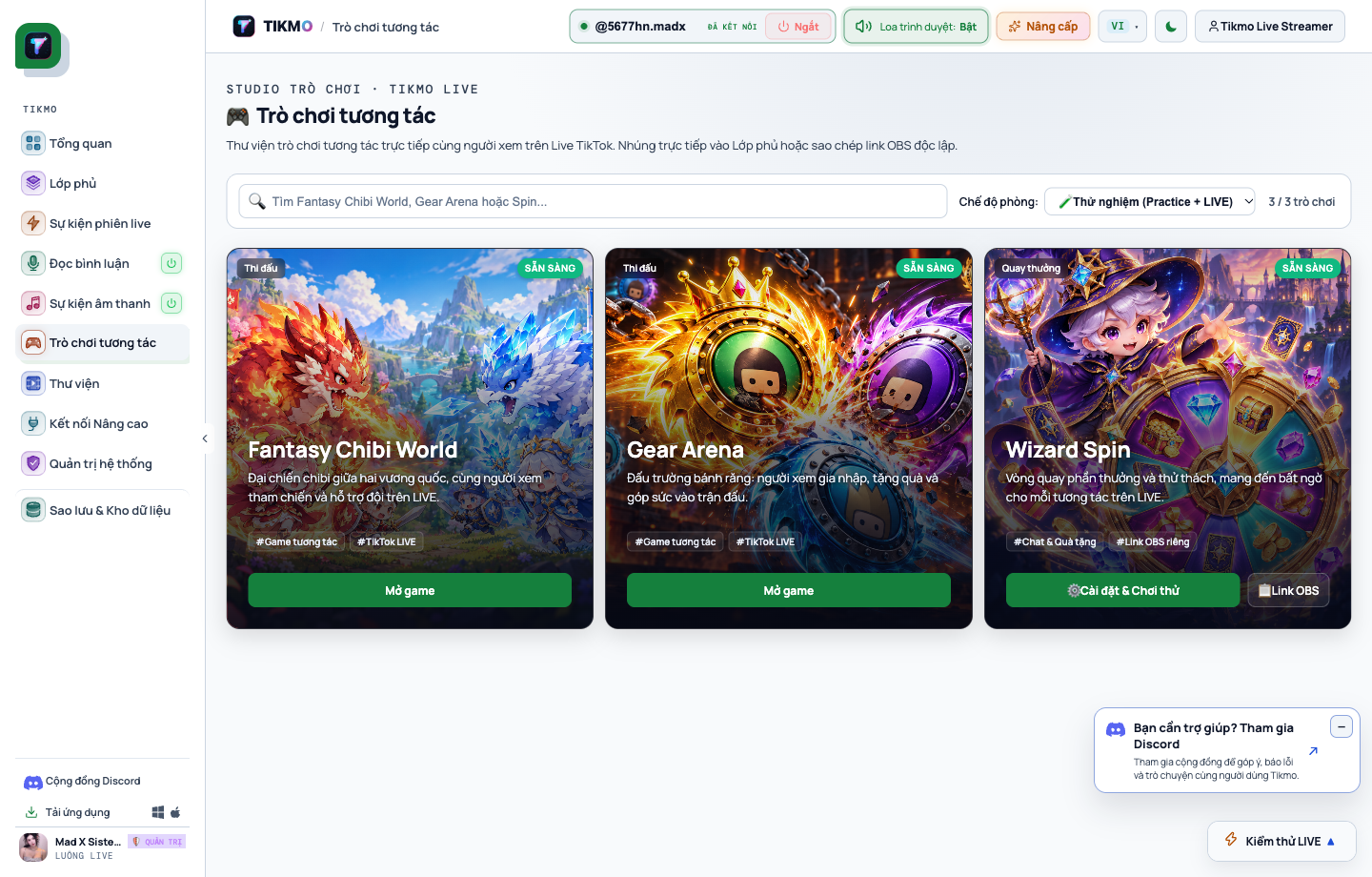
- Wizard Spin (Magic Prize & Challenge Wheel): Best for 3-to-5-minute engagement spikes, viewer giveaways, TikTok Shop flash-sale draws, and gift challenge wheels.
- Fantasy Chibi War: Ideal for 6-minute team bridge battles where viewers type
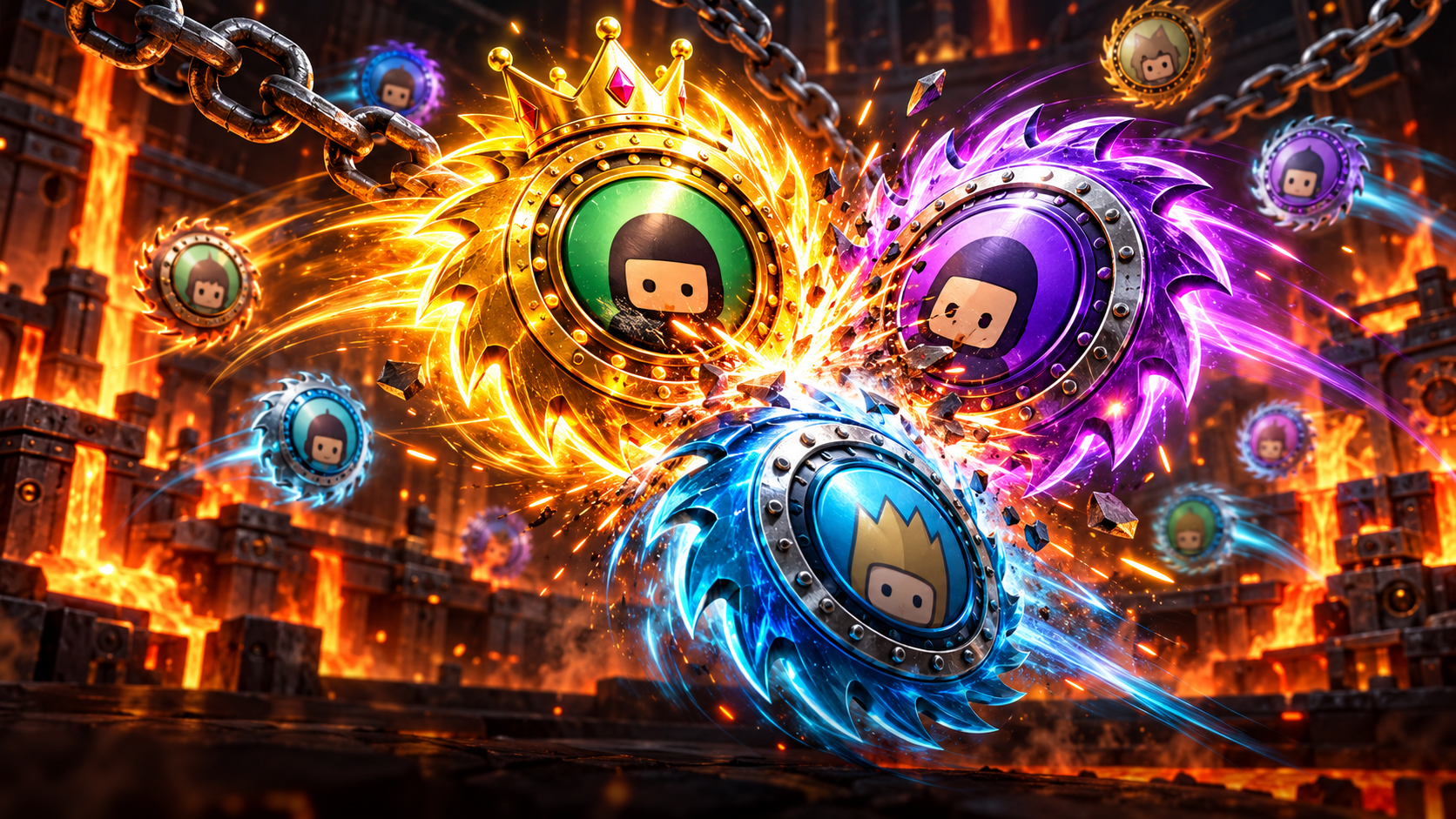
joinand level up through 5 warrior tiers. - Gear Arena: Built for 10-minute 9:16 vertical physics combat with seasonal MVP leaderboards.
How to Set Up Wizard Spin in 60 Seconds
Unlike static wheels where you have to type names by hand, Wizard Spin listens directly to your connected TikTok LIVE feed in Tikmo Studio.
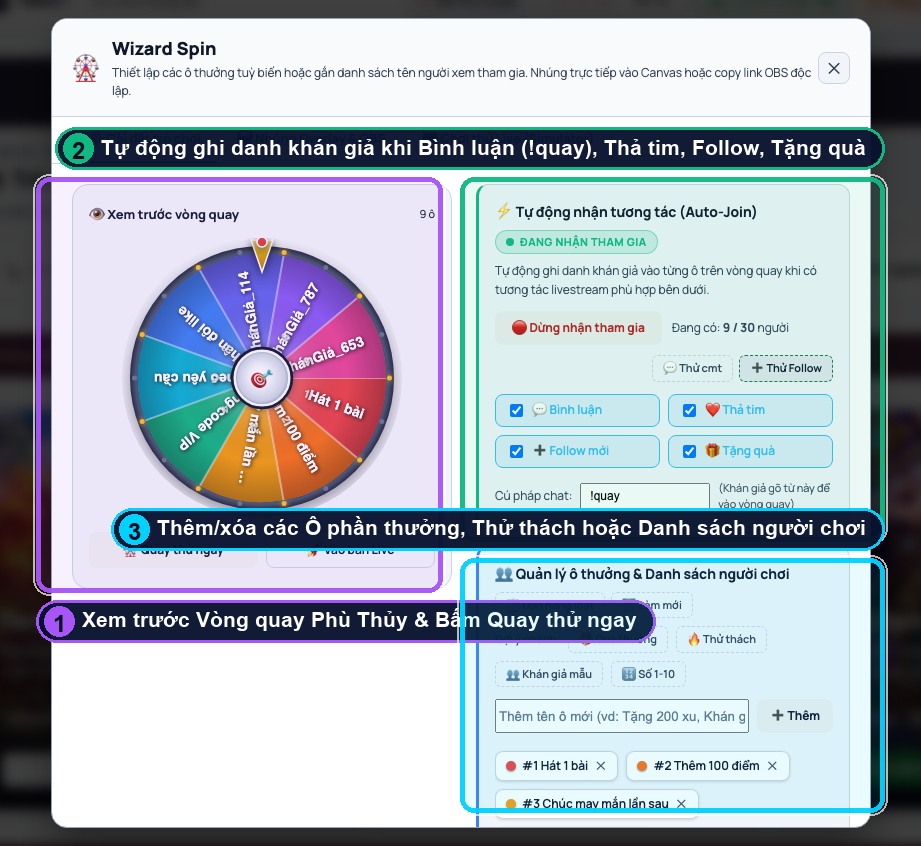
Step 1: Configure Prizes & Auto-Join from Live Chat
- Open Interactive Games in Tikmo Studio and click Configure & Test on the Wizard Spin card.
- Enable automatic participant entry from live comments or bulk-paste your custom prize/challenge slices.
Step 2: Embed the Wizard Spin Stage into OBS
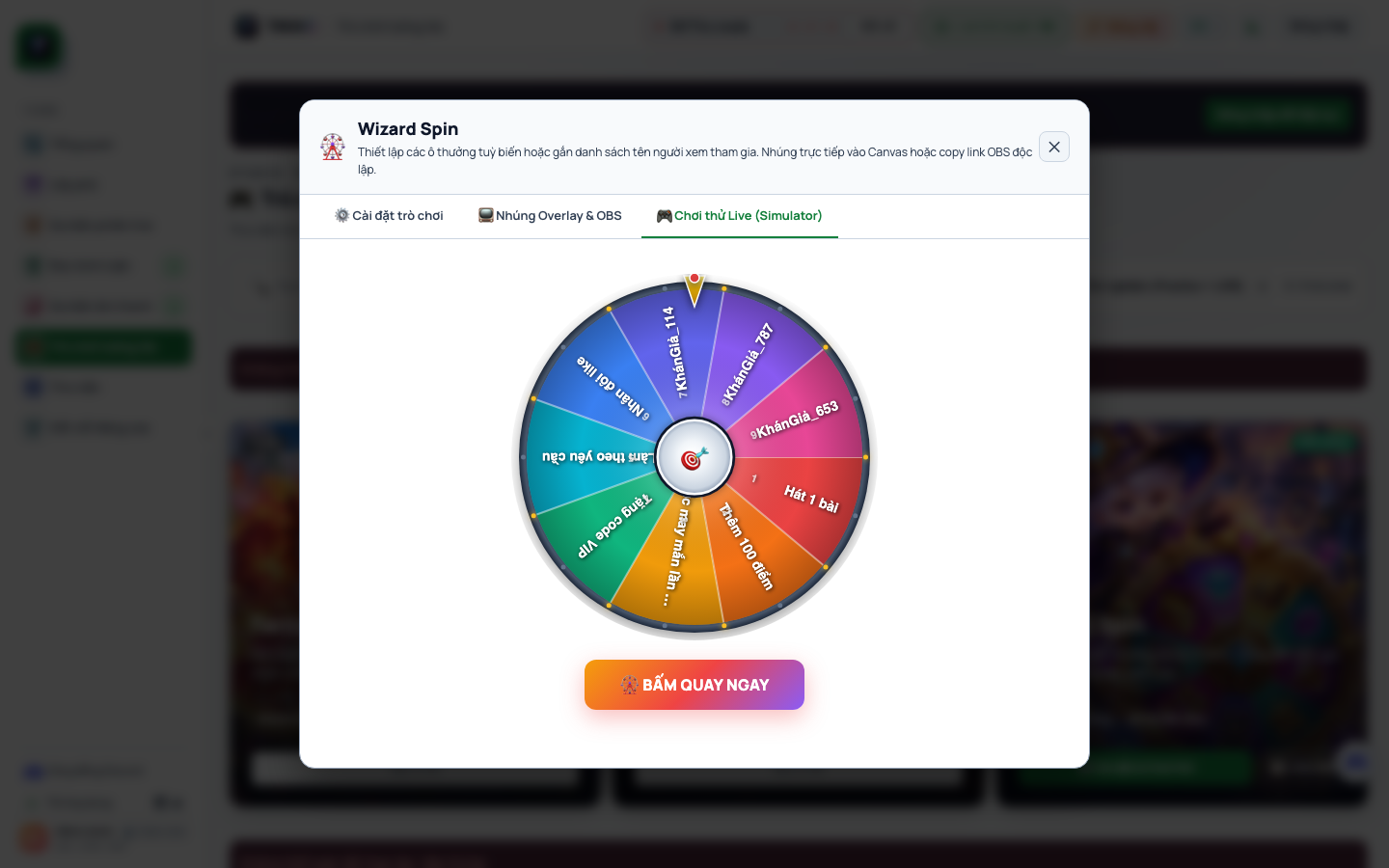
Click OBS Link to copy the dedicated Browser Source URL. Viewers see both the jewel-toned magic wheel and the live participant roster on screen.
Step 3: Spin & Celebrate Winners Transparently
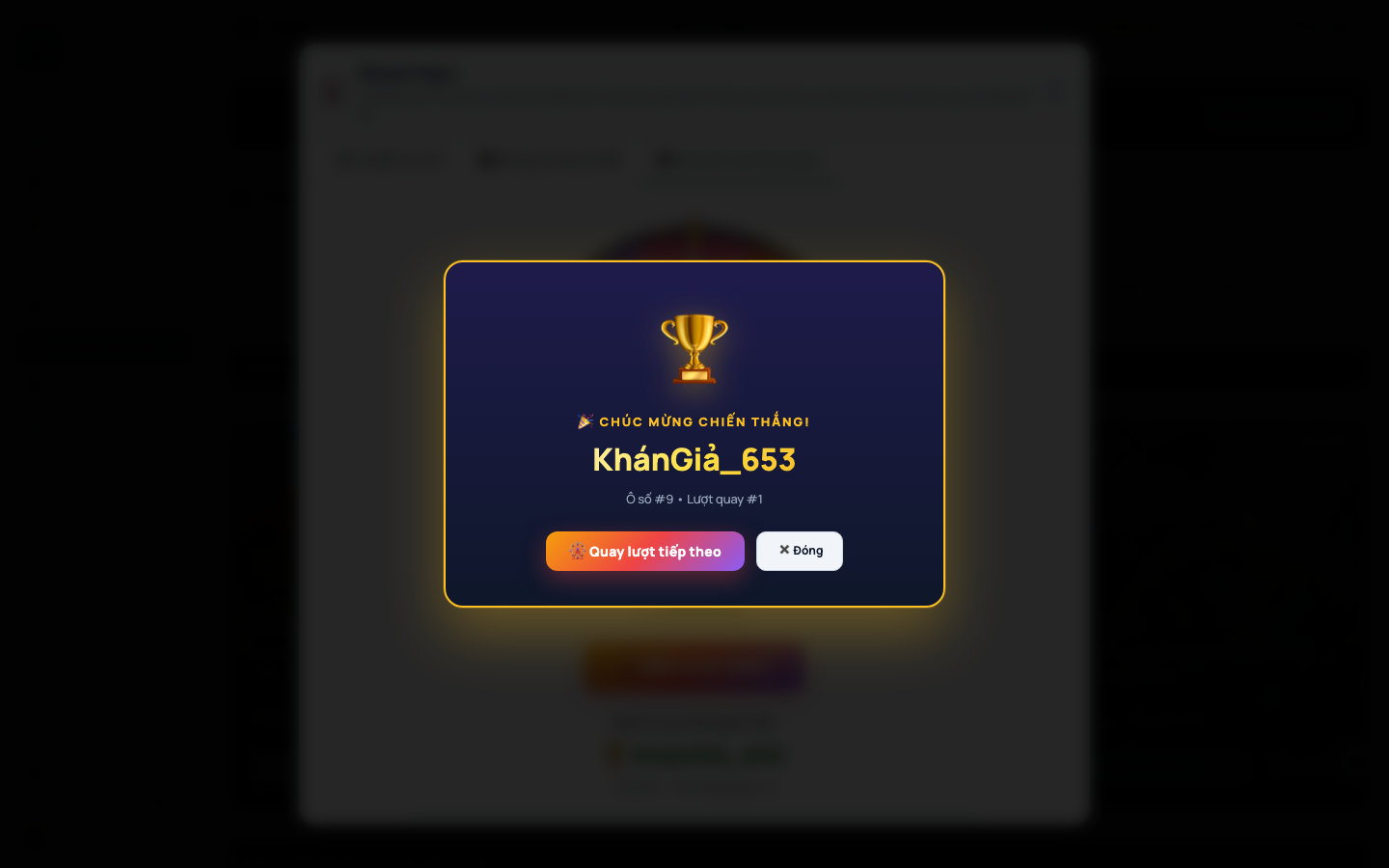
When the pointer stops, the Winner Celebration modal highlights the winning viewer with one-click options to Spin Again or Remove Winner so every giveaway stays 100% transparent. Pair it with our TikTok LIVE gift & chat wheel page and free TikTok LIVE comment reader so AI voice announces the winner automatically!