How to Set Up TikTok LIVE Gift Sound Alerts & Automated "When – Then" Triggers in Tikmo Studio
Turn every Rose, Doughnut, and Galaxy into an instant audio-visual celebration: upload custom MP3 meme sounds and chain 3D alerts with AI voice thank-yous.
Why do viewers in top TikTok LIVE rooms spam 10, 20, or 99 Roses in a row? The secret is instant audio feedback (Sound Alerts). When a viewer sends a gift and immediately hears a punchy meme sound, victory horn, and an AI voice reading their username aloud, that instant dopamine hit encourages gift streaks.
With Tikmo Studio, you can map custom MP3/WAV sound alerts to specific TikTok gifts and build multi-action When – Then rules in seconds.
Method 1: Map Custom MP3/WAV Sounds to Specific TikTok Gifts
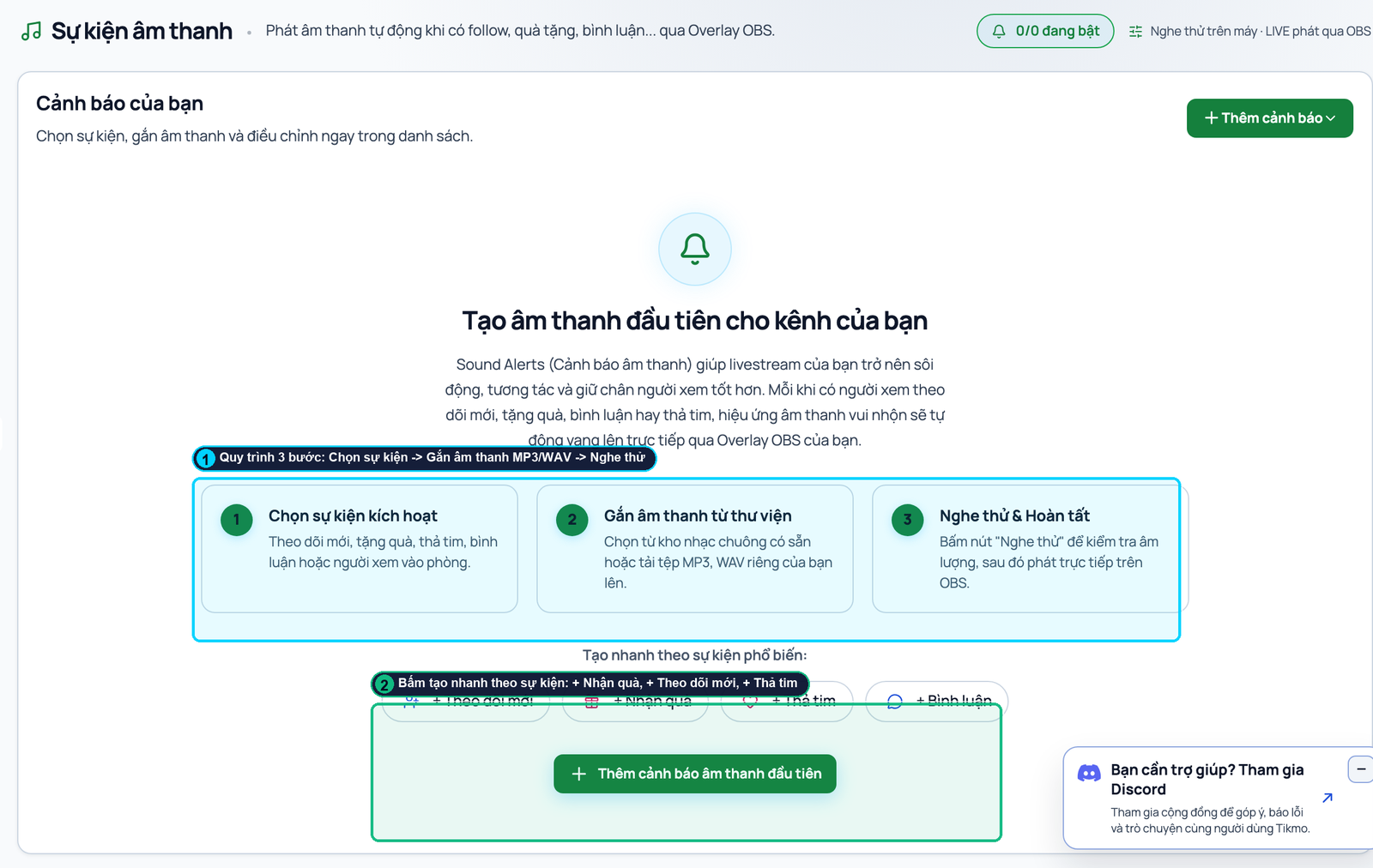
1. Open Sound Alerts from the left sidebar and click Upload Sound to add your MP3, WAV, or OGG clips.
2. Click any sound card to open the Gift Event Settings modal (shown above):
- Callout ①: Pick a specific TikTok gift from the catalog (e.g., *Rose*, *Corgi*, *Perfume*) or set a Minimum Coin value.
- Callout ②: Check Enabled and click Save Changes.
Method 2: Build Multi-Action "When – Then" Rules (3D Alert + Sound + AI Thank-You)
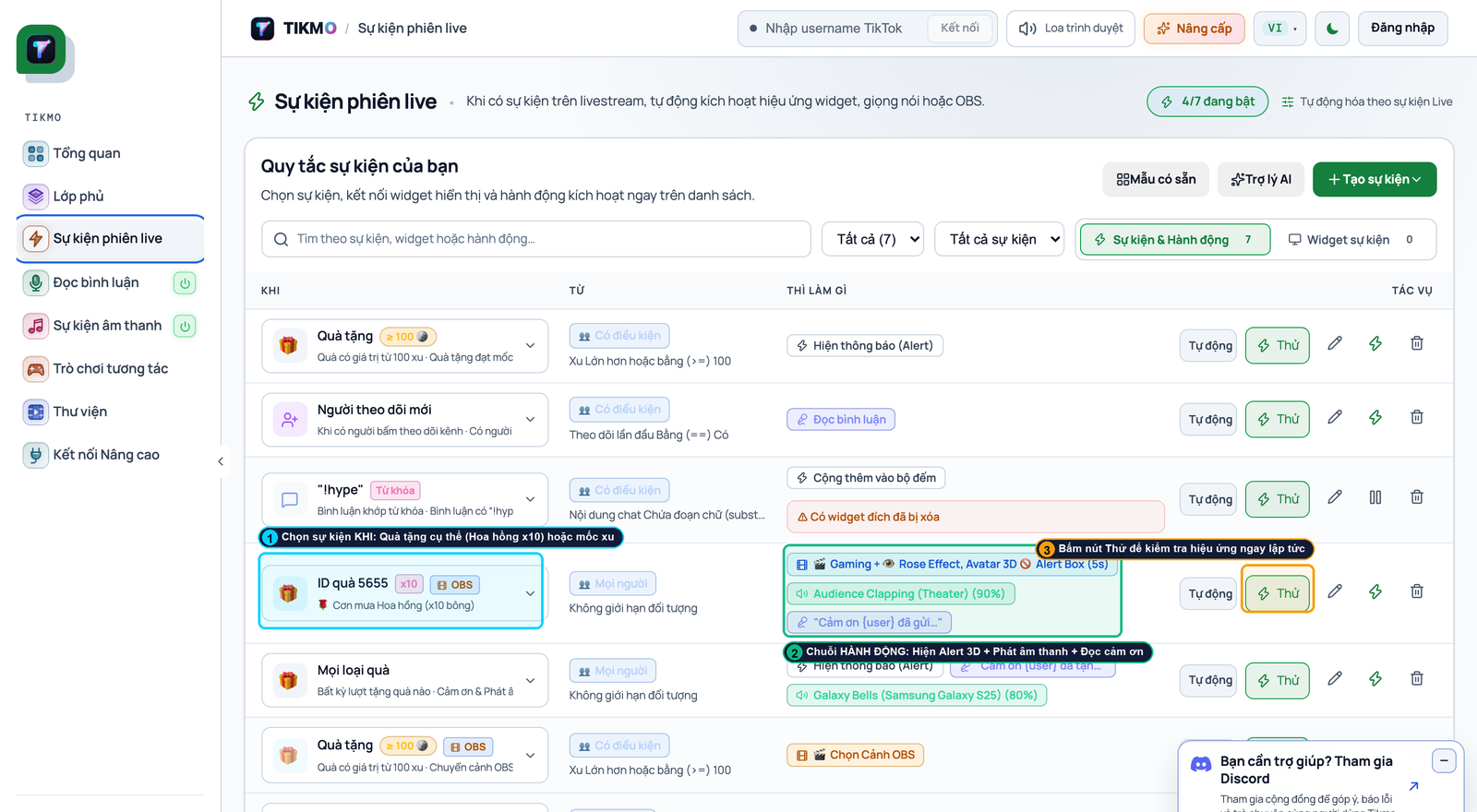
Open Live Event Rules to trigger a coordinated 3-part reaction whenever a gift lands:
- Callout ① (WHEN Trigger): Select *Gift Received* (e.g., Rose ≥ 10 or Any Gift ≥ 100 coins).
- Callout ② (THEN Action Chain): Combine Show 3D Alert Box + Play Sound Alert + Speak AI Thank-You ("Thank you {username} for sending {count} {giftName}!").
- Callout ③ (Instant Test): Click Try to fire a test event directly to your OBS Gift Jar & Overlay.
Audio Mixing Tip: Set a 2–4 second cooldown on small 1-coin gift rules so rapid combo streaks stay crisp without overlapping audio.
Want gifts to do even more than play sounds? Connect your stream to Fantasy Chibi War, Gear Arena 9:16, and Wizard Spin so every gift also powers up your viewer’s character on screen!