Complete TikTok LIVE Studio & OBS Setup Checklist (2026): 1080x1920 Video, Audio & Overlays
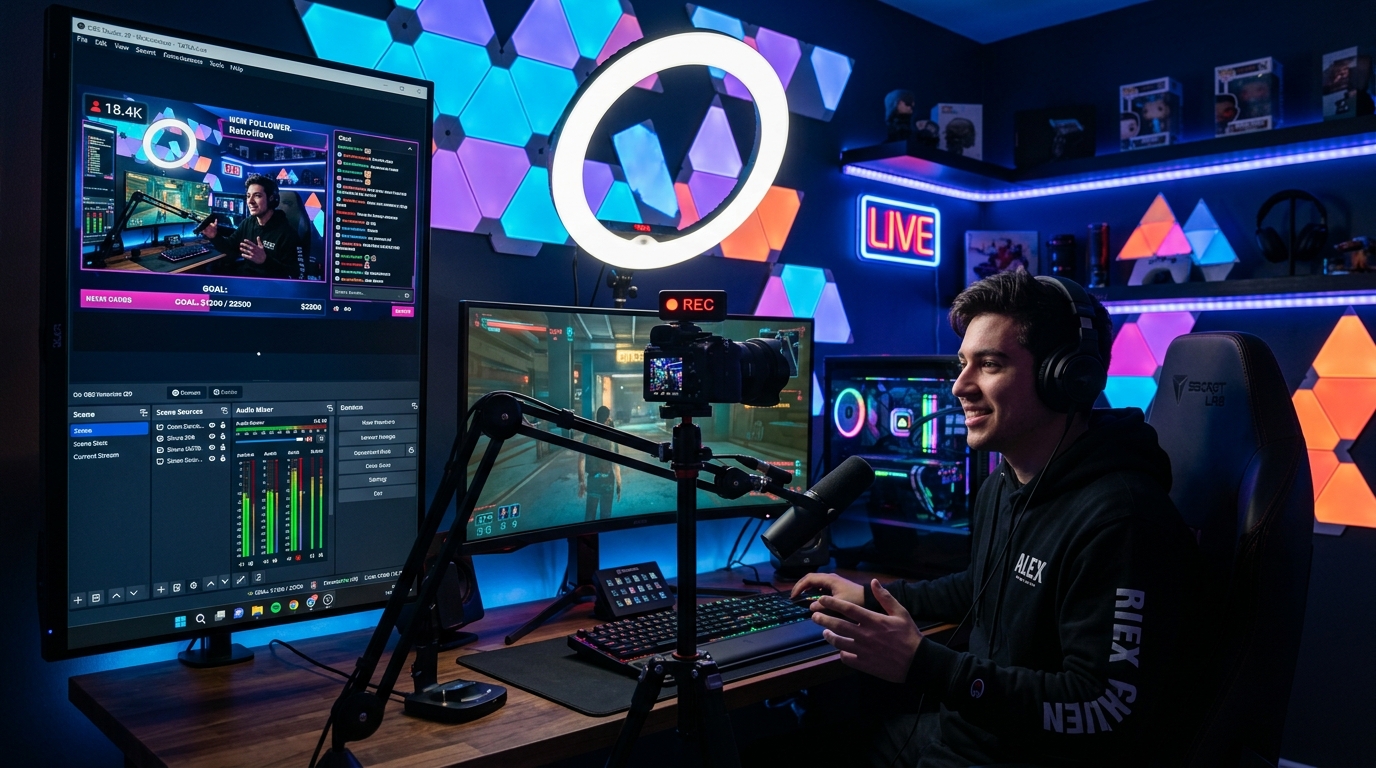
A practical pre-stream checklist covering 1080x1920 vertical canvas settings, NVENC bitrate, audio ducking, and Tikmo Studio Browser Source overlays.
A smooth, professional TikTok LIVE broadcast doesn't require an expensive studio—it requires consistent video encoding, clean audio separation, and a single lightweight Browser Source for all your interactive widgets.
1. Video & Encoder Settings for Crisp 9:16 Vertical Streams
In OBS Studio → Settings → Video & Output:
- Base & Output Resolution: Type 1080x1920 manually for true vertical HD.
- Downscale Filter: Lanczos (Sharpened scaling, 36 samples).
- Encoder: Hardware encoder (NVIDIA NVENC H.264 or Apple VT H264) to keep CPU usage below 10%.
- Rate Control & Bitrate: CBR at 4500–6000 Kbps with a 2-second Keyframe Interval.
2. Audio Hierarchy: Voice First, Alerts Second, Music Third
- Host Microphone:
-6 dBFSto-3 dBFSwith a compressor and noise suppression filter. - Tikmo TTS & Gift Sound Alerts:
-15 dBFSto-12 dBFSso alerts excite the room without drowning out your speech. - Background Music / Game Audio:
-26 dBFSto-20 dBFS.
3. Adding Your Tikmo Studio Interactive Layer
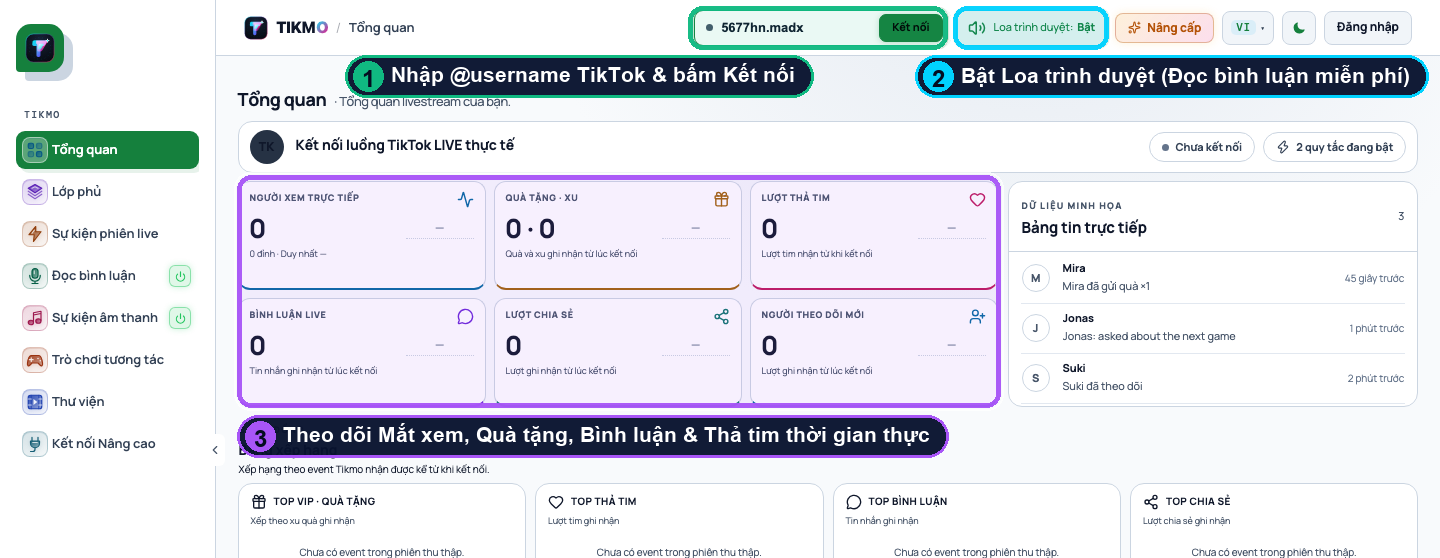
- Connect your TikTok account in Tikmo Studio.
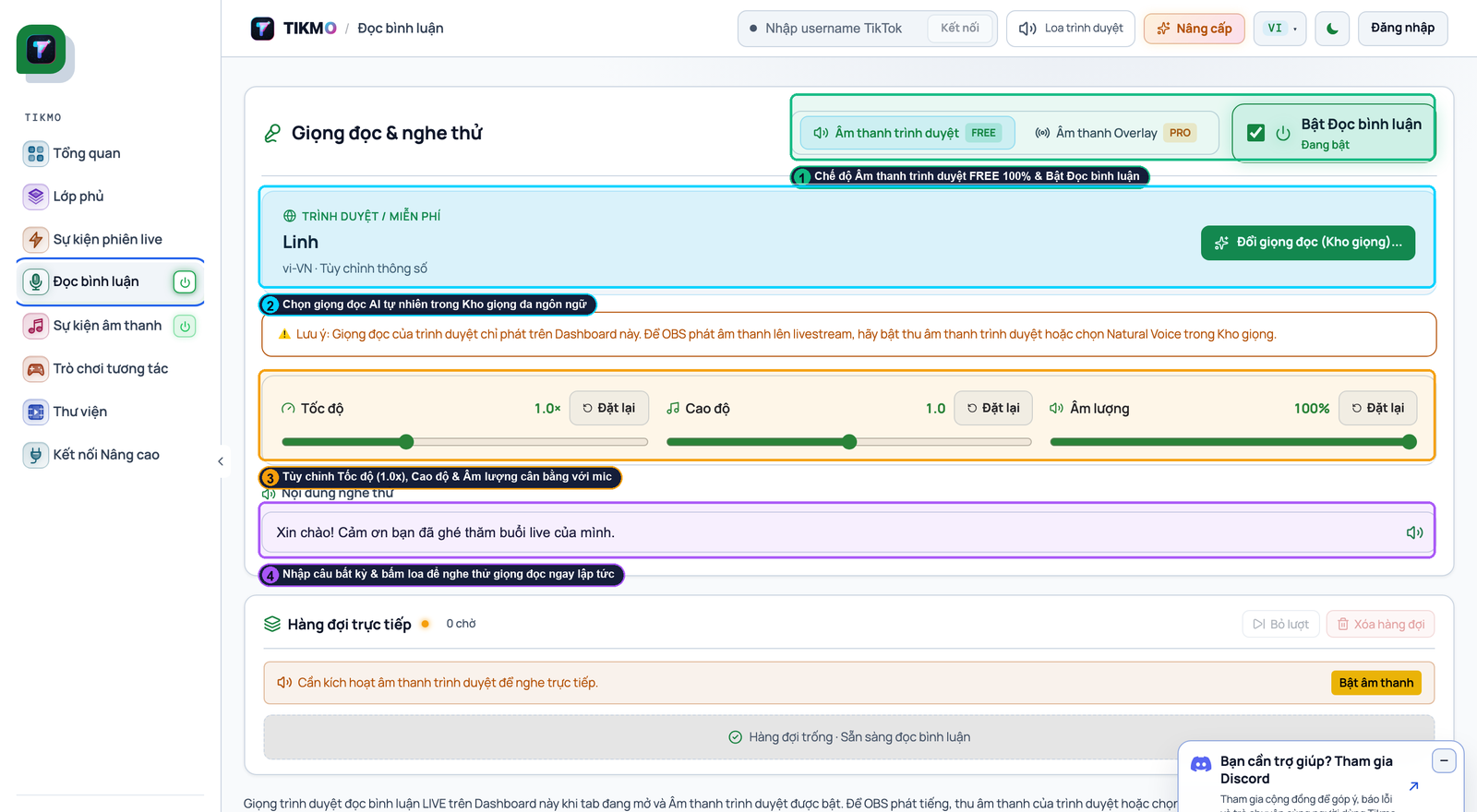
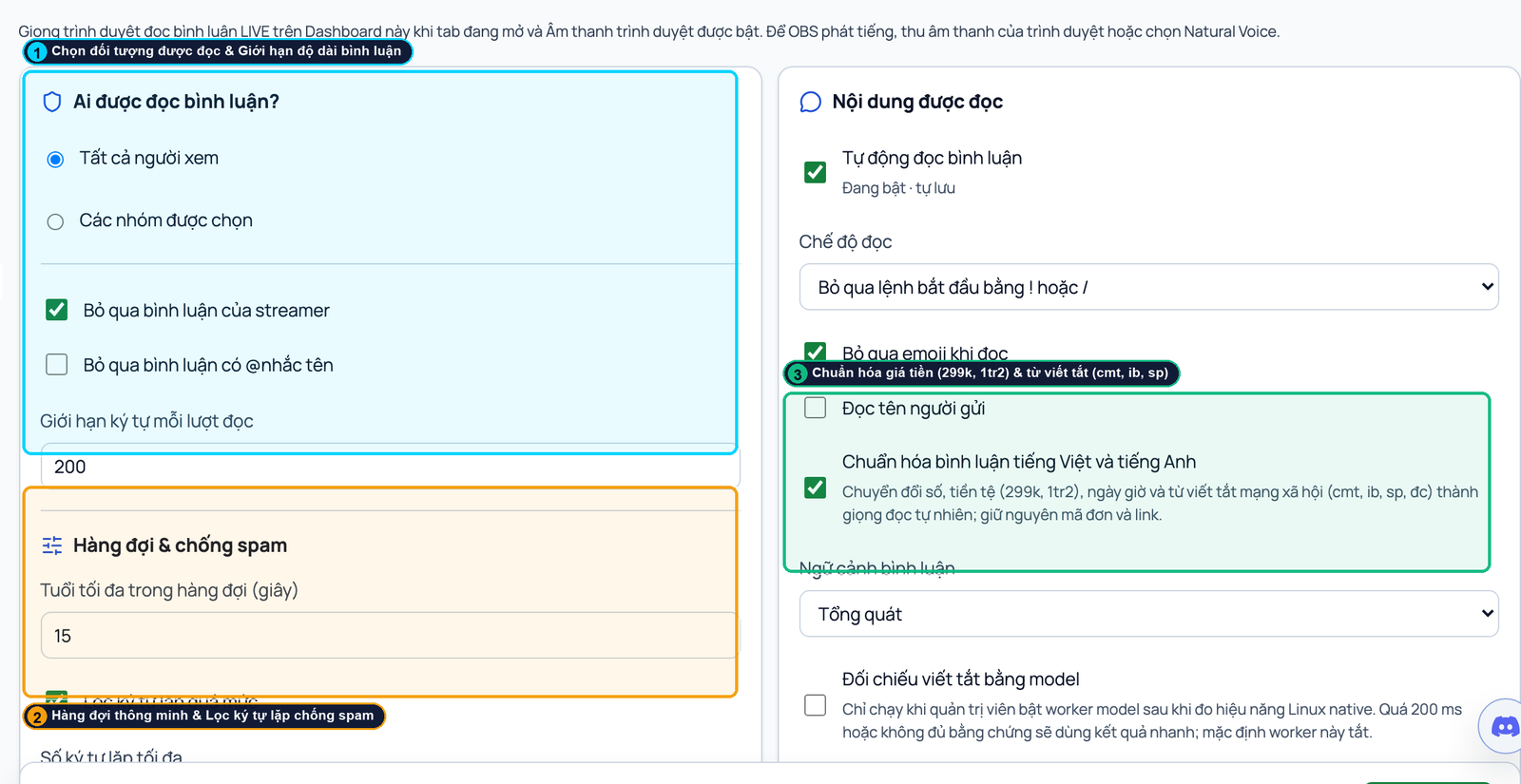
- Configure your comment reader TTS, gift alerts, and interactive games.
- Paste your Browser Source URL into OBS (
1080x1920) and record a 60-second local test clip before going live.