How to Trigger Automatic TikTok LIVE Gift Alerts & Sound Effects in OBS
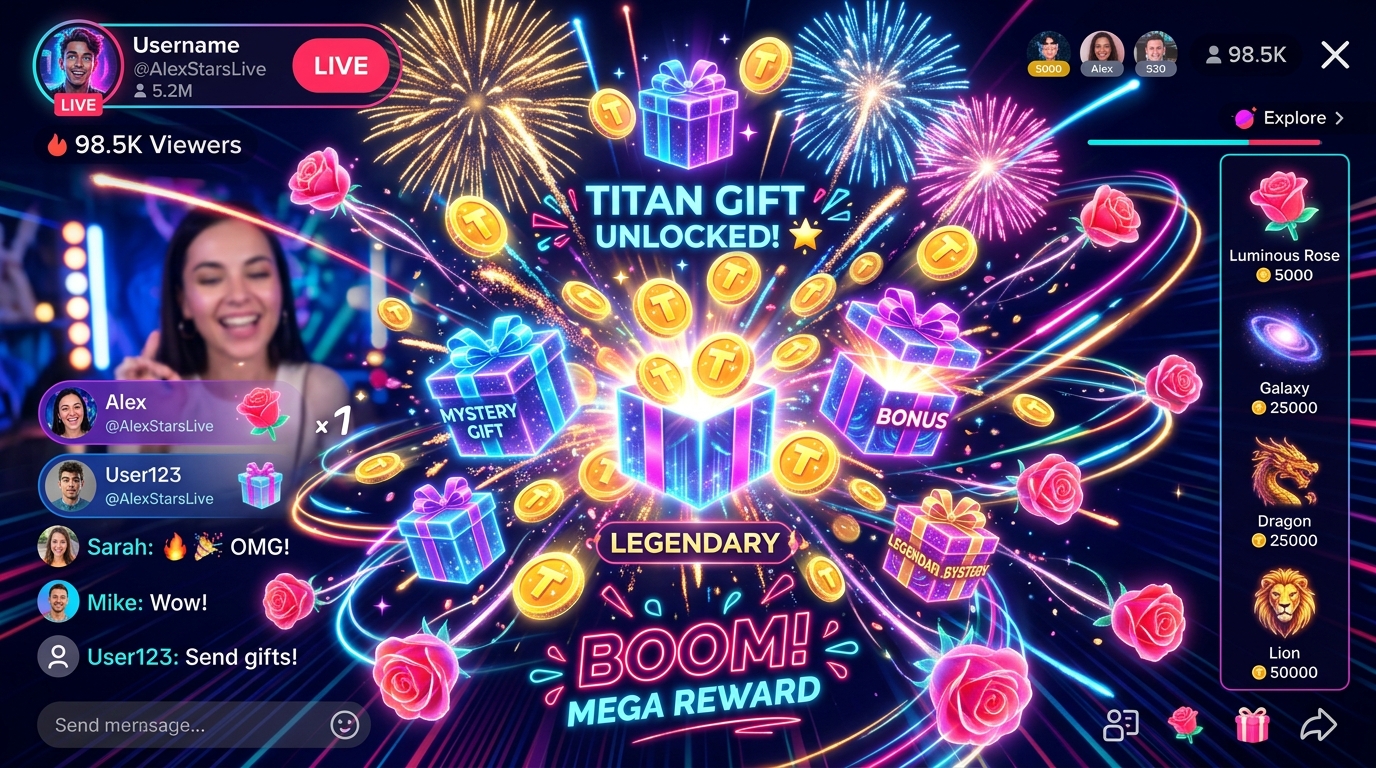
Build tiered gift reactions—from subtle Rose badges to full-screen Lion celebrations—with zero lag using Tikmo Studio and OBS Browser Source.
Every gift sent on TikTok LIVE is a micro-moment of social proof. When a viewer sends a Rose, Perfume, or Lion and sees an immediate on-screen animation paired with a crisp sound effect, other viewers in the room are far more likely to join the gift streak.
Designing a 3-Tier Gift Alert Ladder That Never Blocks Your Camera
Instead of firing the same loud animation for every gift, structure your TikTok LIVE gift effects into three clear tiers:
- Tier 1 (1–10 Coins, e.g., Rose, TikTok): Compact lower-third badge (
2.5 seconds) + soft chime so frequent combos keep the screen lively without hiding your face or product. - Tier 2 (11–299 Coins, e.g., Cap, Doughnut, Heart Me): Mid-screen animated banner (
4 seconds) + custom sound alert + AI voice thank-you. - Tier 3 (300+ Coins, e.g., Galaxy, Lion, Universe): Full-stage celebration overlay (
6–8 seconds) + optional automatic OBS scene switch.
Pro Tip from Tikmo Studio: Always wait for streakable gifts (like Roses) to finish their combo or display a live combo counter (x5,x10,x50) so your alert queue never backs up during hype moments.
4 Steps to Connect Gift Alerts to OBS Studio
- Open Tikmo Studio and create a trigger rule under Live Session Events or Sound Events.
- Select the gift condition (specific gift or coin value range) and attach your visual animation and audio clip from the Media Library.
- Copy your Overlay Browser Source URL and add it as a
1080x1920Browser Source in OBS Studio. - Click LIVE Test in the bottom-right corner of Tikmo Studio to fire simulated gift events and verify audio levels before going live.